Optimizing the campaign for qualified leads: the CRM stage as a conversion on Meta
Optimizing for Lead brings people who fill forms. Optimizing for Purchase gives little signal in high-ticket products. In between is the stage your sales team already records in the CRM — replied, started a conversation — and it can go back to Meta as an event. We measured: 1,900 events a week with 100% e-mail and phone.
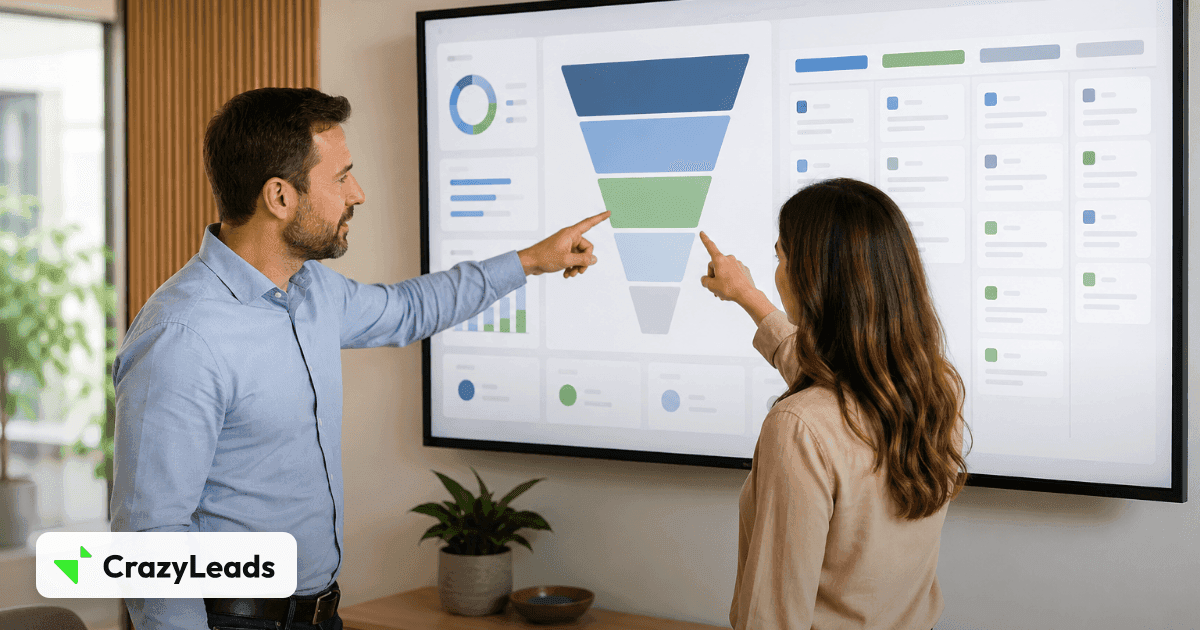
Meta’s algorithm optimizes for the event you choose. If it is Lead, it finds people who fill forms — including those who fill them wrong, those who never reply and those who are already customers. If it is Purchase on a R$ 2,500 product sold by a rep, it receives a dozen events a day, and with that volume it learns slowly. Between the two is a signal your operation already produces and does not use.
It is the CRM stage. The lead replied to the first message. The lead entered a real conversation with the rep. The lead became an opportunity with an estimated value. Each is an event with a time, a person, and more volume than the purchase. Sent to Meta as a custom conversion, it teaches the algorithm to find people who TALK — which is who buys.
Why the stage is the right signal
| Optimized event | Typical volume (per week) | What the algorithm learns | Problem |
|---|---|---|---|
| Lead | Thousands | Who fills forms | Lots of noise; an invalid contact counts the same |
| Replied / Conversation started | Hundreds to a few thousand | Who engages with sales | Requires the CRM wired in — which is what this article solves |
| Purchase | Dozens | Who buys | Little volume in high ticket; the sale closes outside the window |
We measured the cycle: 44% of sales close on the same day as the conversation and 92% within 7 days. So “started a conversation” is a strong predictor and fits Meta’s attribution window — which the purchase, in part, does not. That short cycle is the argument of attribution window and your sales cycle.
How the event leaves the CRM and reaches Meta
- 01The CRM notifies the stage change by webhook (replied, conversation started, opportunity won). Any CRM with automation can; the format is the generic webhook’s.
- 02The event enters the person’s timeline, matched by e-mail or phone to the lead the pixel already knew.
- 03A delivery filters the event (only product X, only stage Y) and maps it to an event name on Meta — “CRMConversationStarted”, for example.
- 04Meta receives it via CAPI with e-mail, phone, name, and the fbc/fbp from the visit the pixel stored. Measured: e-mail in 91–97%, phone in 100%, fbc in 70% of these events — better than pageView.
- 05In Ads Manager, the custom conversion is created on that event, and the campaign starts optimizing for it.
The CRM knows who talked. The pixel knows which ad the person came from. The event that joins the two is what the algorithm never had.
The details that decide
- Filter by product. The same CRM serves three products; without the filter, product A’s conversion optimizes product B’s campaign. The product name goes in content_name so Meta can filter too.
- Dedup at the origin. “Replied” happens once per opportunity; if the CRM resends, the deduplication key blocks the second event.
- Only what Meta can use. The event carries product, pipeline, stage, rep as parameters — and NEVER e-mail or phone in plain text outside the hashed fields. A generic catch-all that copies the whole payload leaks contact data; we have explained the CAPI errors that do not show up.
- Two stages, two events. “Replied” and “Conversation started” are different conversions; Meta optimizes for one per ad set.
What shows up afterwards
In Events Manager, two custom conversions with hundreds per week and high match quality. In the campaign, the option to optimize for “conversation” instead of “form”. And in your base, the question that closes the loop: how many leads from each campaign replied, talked and bought — the real ROAS column Meta does not have.
In CrazyLeads the CRM comes in through the webhook source, stage events match the lead through the identity resolver, and the Meta delivery filters by product and stage, maps the event name and builds the payload with hashed identity fields — with an audit of every delivery and the coverage of every parameter measured.